Abbi Kirstens Craftfest
Craft your way to confidence
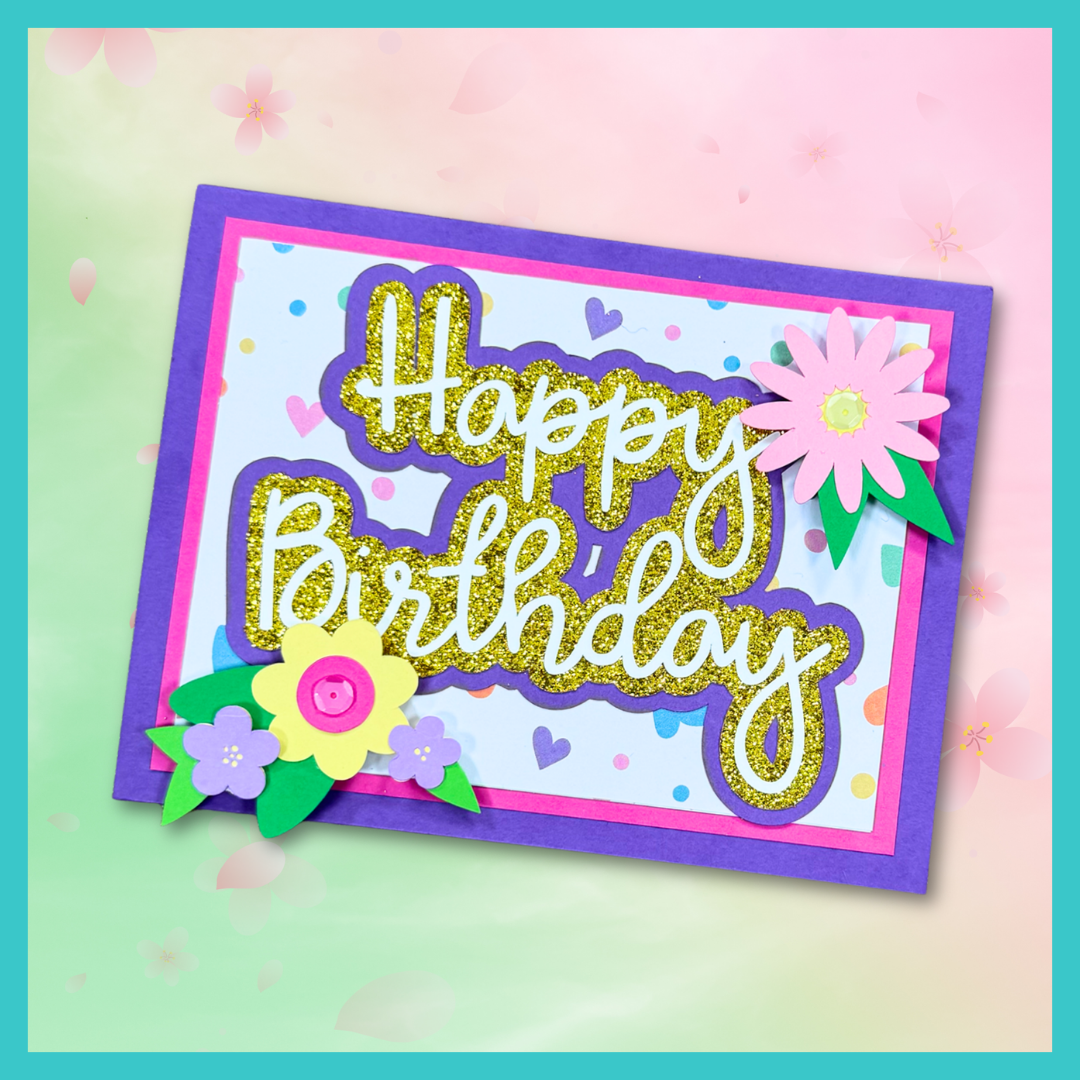
Create a Simple Birthday Card Using Adobe Illustrator with Elena Anderson
Closed captions are included for your convenience. To turn them off, please click on the small cc on the bottom right of your screen.
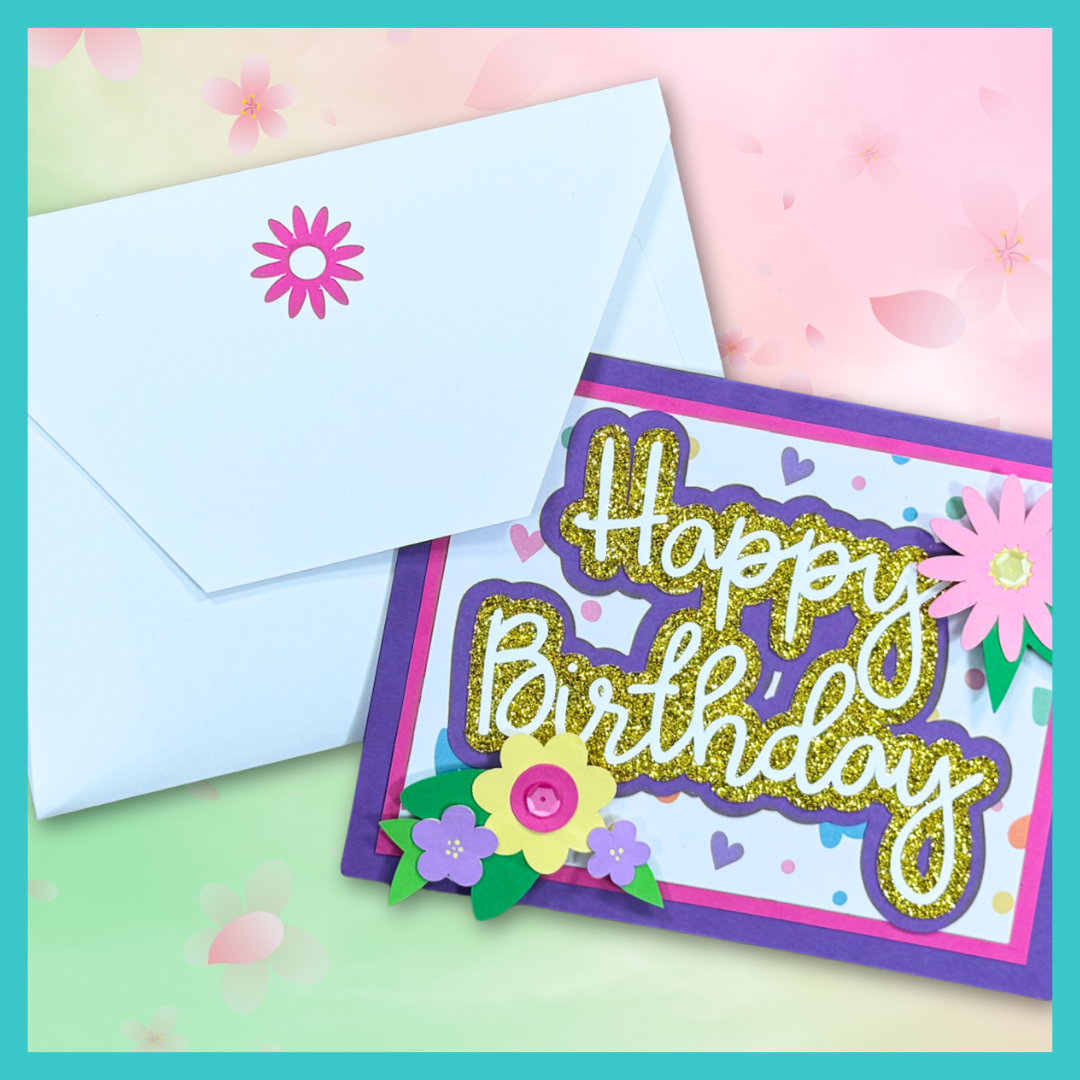
Interested in learning to create your own SVG designs? Get an overview of how to use Adobe Illustrator to create a (relatively) simple birthday card in this workshop. You'll see how to use shapes and text to create words and embellishments, how to add shadow layers and a card base and how to turn each element into a compound path. Plus, you'll see how to edit the points that make up the cut paths in SVG files to change the appearance of your elements.
This project can be made with the Cricut Joy Xtra, Cricut Explore Air 2, Cricut Explore 3, Cricut Explore 4, Cricut Maker, Cricut Maker 3, Cricut Maker 4, Cricut Venture, Juliet, Silhouette, or Other.
SUPPLIES FOR THIS WORKSHOP
- Cricut Machine
- Adobe Illustrator: California Love Font
- Light Grip Mats
- Scoring method:
- Scoring Stylus (Explore Series, Maker Series, Venture)
- Scoring Wheel (Maker Series)
- Cricut Joy Foil Transfer Tool (Joy/Joy Xtra)
- Cricut Brayer
- Cricut Spatula
- Fine Point Tweezers
- 100+ lb/300+ GSM Purple Cardstock
- 65 lb/176 GSM cardstock in:
- Fuchsia
- Light Pink
- Yellow
- Medium Green
- Light Green
- Dark-ish Green
- Light Purple
- Purple
- Yellow Glitter
- Patterned Paper That Coordinates With the Other Colors
- Foam Squares
- Glue with Fine Tip
- Bone Folder or Cricut Scraper
FOLLOW ELENA ON SOCIAL MEDIA!
Elena is an avid designer of SVG cards and also the host of the Card Making with SVGs+ Summit. When she started her blog back in 2016, she was a "traditional" card maker using stamps, dies, inks, and more to create cards. In 2021, she transitioned to SVG-based projects and began designing SVGs. But her true love of cards and SVGs has now combined to be almost exclusively what she creates and shares on her blog, YouTube channel, and in many crafty online summits. Elena lives in Denver, CO, with her best friend and husband of 26 years, Alex, and their sweet, elderly dog, Django.
Bonus Free Envelope and Assembly Video!
Join the Black Sheep 303 email list to receive an SVG file for a coordinating envelope with a daisy cutout on the flap and liner. On the same page as this bonus, you can find a video tutorial showing how to assemble the birthday card project in Illustrator.
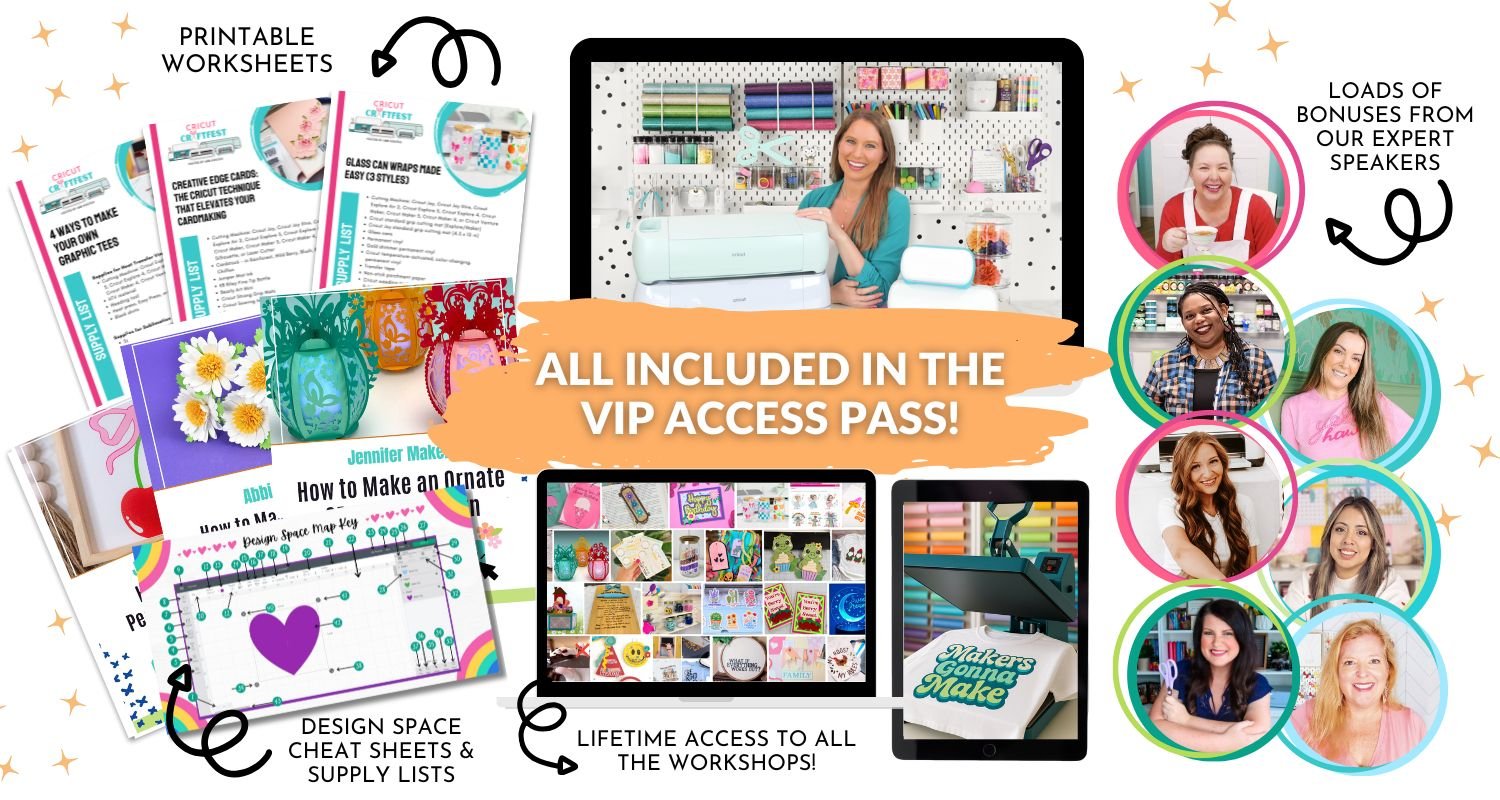
BUY MORE TIME. CLAIM LIFETIME ACCESS TO ALL THE CRAFTFEST 2026 WORKSHOPS.
As a VIP, you’ll receive instant and forever access to all 40+ brand-new workshops. Plus VIP-only bonuses including over $613 in Cricut cheat sheets, mini-courses, templates, and 13+ bonus videos featuring proven tricks and tips that free ticket holders won't get. Altogether, the 2026 VIP Pass includes $2,897+. Grab your pass today.
Footer
PROUD TO BE SPONSORED BY
PROUD TO BE SPONSORED BY

PROUD TO BE SPONSORED BY
PROUD TO BE SPONSORED BY
PROUD TO BE SPONSORED BY
